Raisenex WhatsApp

All Products

Microsoft 365 in Nepal

Details:
After payment, you will receive login credentials in the format: LOGIN : PASSWORD.

What you get

  • 1 year subscription guaranteed
  • Supports up to 5 devices: Windows | macOS | Android | iOS
  • Online license | Word | Excel | PowerPoint | OneNote | Forms

How to buy Microsoft 365 in Nepal

  1. Choose your plan and tap Continue to Payment.
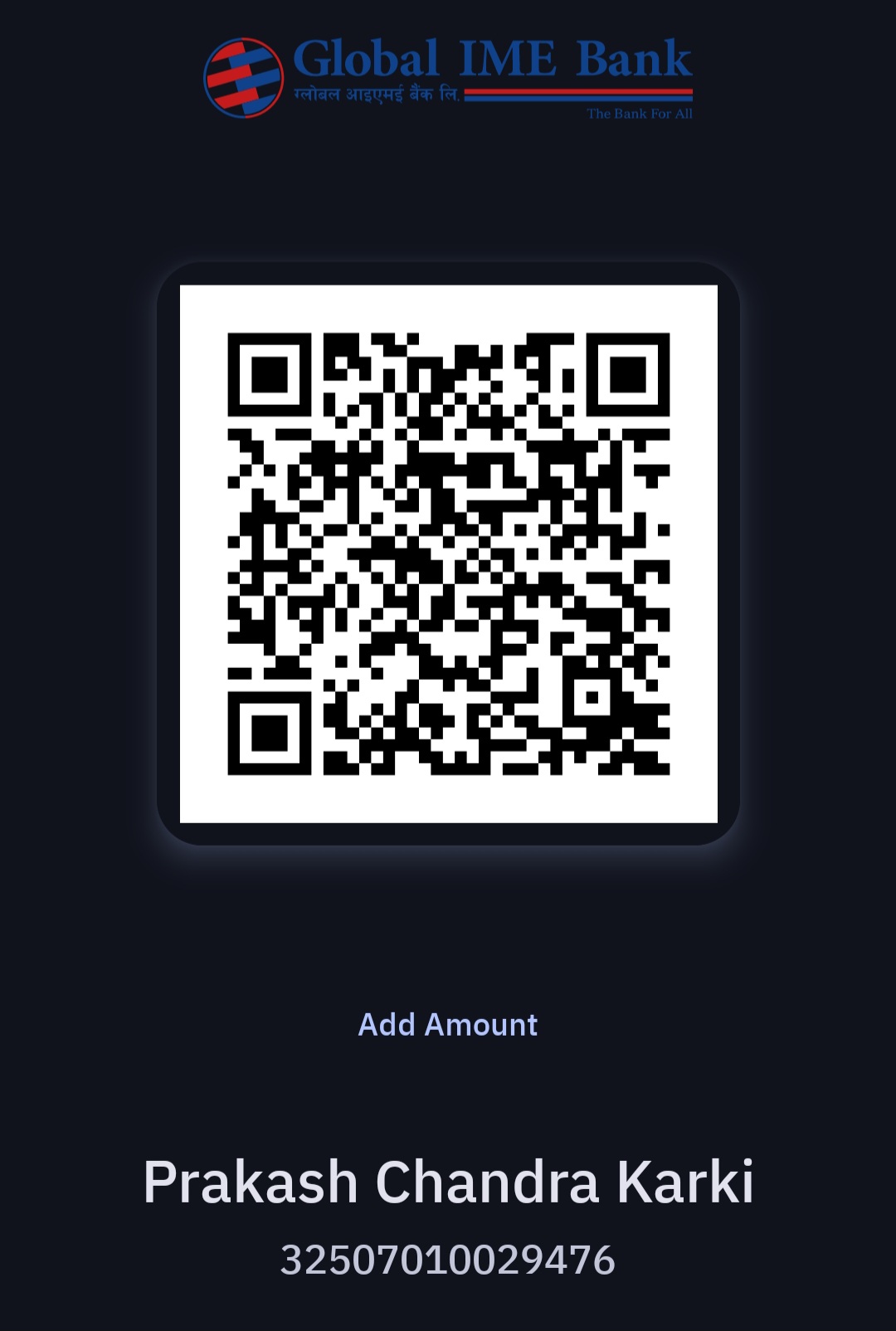
  2. Scan the QR code with eSewa, Khalti or mobile banking and pay in Nepali rupees.
  3. Tap I Have Paid, then send your payment screenshot on WhatsApp.
  4. Get your order details on WhatsApp.

You may also like